




Third-Generation Multi-Color 3D Printing Has Begun
The market shift from purge towers to waste-free, tool-based printing — and what comes next
Multi-color 3D printing is no longer a novelty. It’s becoming an expectation.
In just a few years, the consumer 3D printing market has moved from “Can I print at all?” to “Can I print fast, reliably, and in color?” That shift didn’t happen because makers suddenly became obsessed with decoration. It happened because the technology matured, prices dropped, usability improved, and a new generation of users started demanding results that feel closer to finished products than prototypes.
As a result, multi-color printing has rapidly moved from a niche feature to a mainstream requirement.
But we’ve also hit a wall.
Today’s most common multi-color solutions can deliver impressive results — while quietly forcing users to accept extreme tradeoffs: significant filament waste, much longer print times, and increasing workflow complexity as soon as projects go beyond a few colors or materials.
That’s why a new era is forming.
We call it Third-Generation Multi-Color 3D Printing (Gen-3) — not as a marketing slogan, but as a practical way to describe what the market itself is pushing toward: waste-free color, true multi-material capability, and automation that makes advanced printing feel effortless.
The consumer market’s new center of gravity
The most important shift in 3D printing isn’t a single printer model or a headline feature.
It’s the fact that consumer and entry-level machines have become the growth engine of the entire market. Faster CoreXY designs, better motion control, improved firmware, and strong software ecosystems have created a new kind of buyer — someone who doesn’t want a tinkering project, but a dependable tool.
As this segment grows, two things happen simultaneously:
-
More users print functional parts and finished objects, not just test pieces
-
Expectations rise sharply around speed, reliability, and appearance
Multi-color and multi-material printing sit exactly at that intersection:
-
Appearance: branding, realism, figurines, signage, decor
-
Function: soft/hard material combinations, flexible joints, gaskets, soluble supports
-
Workflow: fewer assemblies, less post-processing, fewer manual steps
This is why multi-color is no longer “extra.” It’s becoming standard.
Why multi-color demand is accelerating
Multi-color demand isn’t growing because users love complexity. It’s growing because it removes friction elsewhere.
A well-executed multi-color print can replace:
-
Painting
-
Decals and stickers
-
Multi-part assemblies
-
Manual labeling
-
Separate prints that must be aligned and glued
In short, multi-color is a workflow shortcut — if the system is efficient.
The problem is that most widely adopted multi-color systems today remain efficient only up to a point. As color count increases, or when true multi-material printing is attempted, costs rise rapidly.
That’s where generational differences matter.
Gen-1, Gen-2, Gen-3: a framework that actually helps
Generation 1 – Manual multi-color
Human-driven color changes:
-
Pause the print
-
Swap filament manually
-
Resume
This works, but it doesn’t scale. It’s best suited for simple, low-change prints.
Generation 2 – Automated filament switching (single nozzle)
This is where most of today’s consumer market sits.
A single nozzle prints everything, while the system automatically switches filaments. Purging is required to clear the previous color or material, usually via a purge tower.
Well-known Gen-2 examples include:
-
Bambu Lab X1/ P1P / P1S / P2S + AMS
https://bambulab.com -
Bambu A1 / A1 Mini + AMS Lite
https://bambulab.com -
Bambu H2D / H2S / H2C + AMS 2 Pro
https://bambulab.com -
Creality K2 Pro / Plus + CFS
https://www.creality.com -
Anycubic Kobra and S Series + ACE Pro
https://www.anycubic.com -
Flashforge AD5X / 5M series
https://www.flashforge.com -
Elegoo Centauri Carbon 2 series
https://www.elegoo.com -
QIDI Box systems
https://www.qidi3d.com
Gen-2 made multi-color accessible and affordable — and that’s why adoption exploded.
But it has a built-in ceiling.

The Gen-2 ceiling: purge waste and time penalties
Anyone who has used a single-nozzle multi-color system knows the pattern:
-
Print times increase dramatically
-
Filament usage skyrockets
-
Purge piles can outweigh the printed part
-
Each added color makes the problem worse
This happens because Gen-2 systems must flush material out of a shared melt zone before each transition.

Two unavoidable penalties emerge:
Material waste
Even with optimized tuning, purging is mandatory to prevent color bleeding and material contamination. As transitions multiply, waste grows exponentially.
Time waste
Each change involves retraction, loading, purging, and resuming — often hundreds of times per print.
Gen-2 works — but it scales poorly.
And when adoption scales, inefficiencies become impossible to ignore.
What defines Gen-3: architectures that change the game
Gen-3 systems share one core idea:
don’t clean a nozzle by throwing material away — change the tool instead.
True multi-tool / multi-head systems
Each filament has its own independent toolhead.
Examples:
-
E3D ToolChanger
https://e3d-online.com -
Prusa XL (1–5 toolheads)
https://www.prusa3d.com
These systems offer:
-
Near-zero purge
-
Clean material boundaries
-
Real multi-material workflows
But they have historically been expensive and complex.
Toolchangers and multi-head consumer designs
Newer Gen-3 approaches aim to bring these benefits to prosumers.
Examples:
-
Snapmaker U1 (multi-head, purge-free concept)
https://www.snapmaker.com -
Upcoming Bambu H2C + Vortek (2025)
https://bambulab.com
These systems signal a clear industry direction: Gen-3 efficiency at consumer-friendly price points.
Nozzle / hotend swap architectures
Hybrid approaches that reduce purge without full toolchanging, acting as a bridge between Gen-2 and Gen-3.
Where Co Print fits: from Gen-2 upgrades to Gen-3 foundations

Co Print’s journey mirrors the market’s evolution.
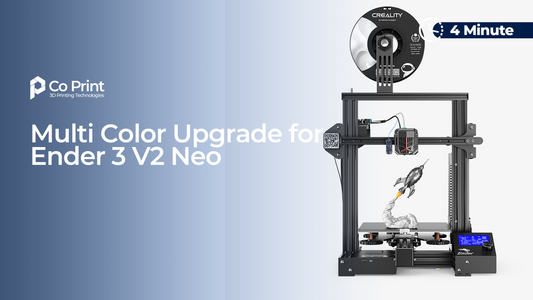
Our first generation products, such as the Multi Filament Module, focused on making multi-color accessible to existing printers:
-
Affordable
-
Upgrade-based
-
Designed for real users, not lab demos
That philosophy continued with:
-
ChromaSet – multi-color upgrade kits for Marlin-based printers
https://coprint3d.com -
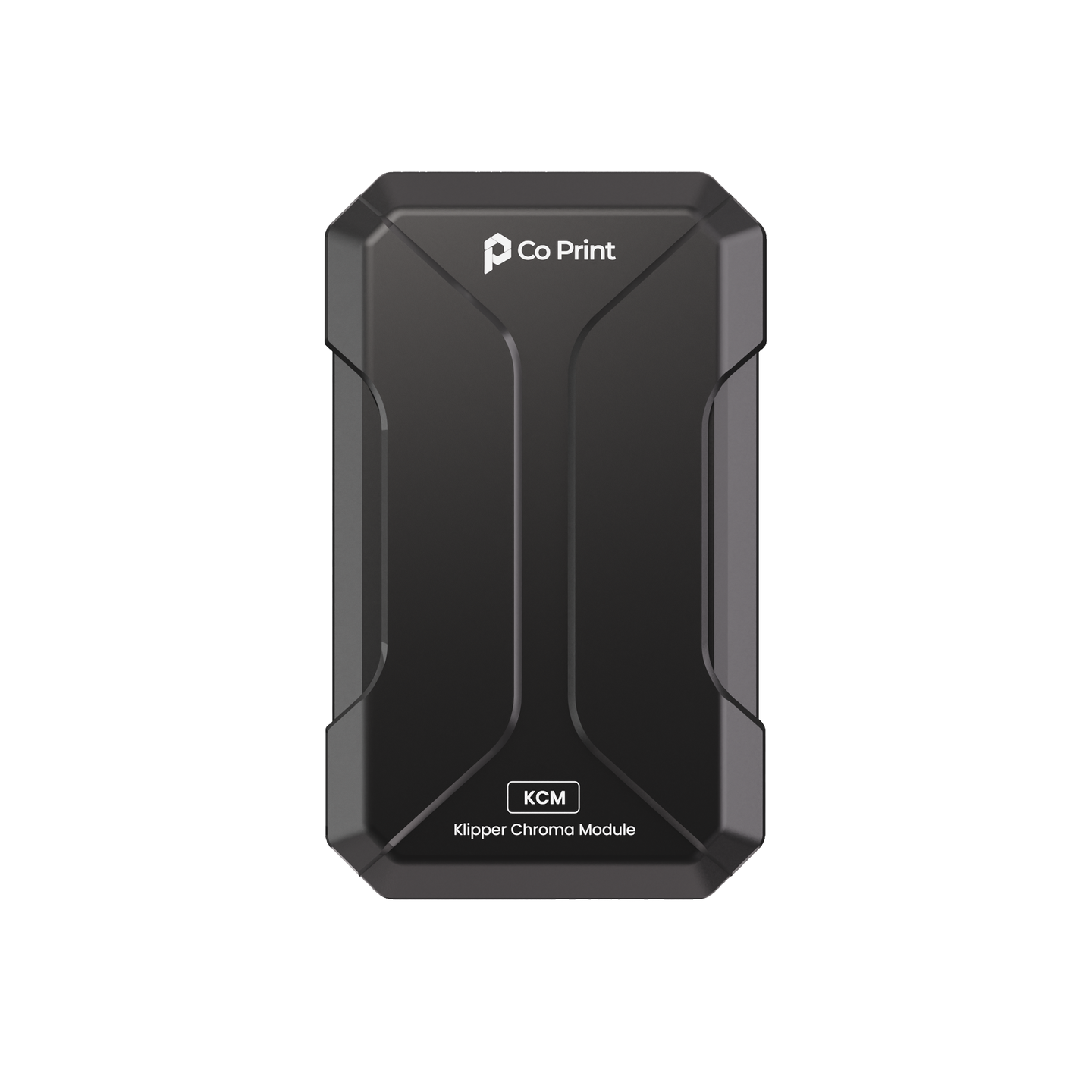
KCM Set – Klipper-based multi-color systems with ChromaHead cutting mechanisms
https://coprint3d.com
These products sit firmly in Generation 2, but they were built with one goal in mind:
learning from real multi-color usage at scale.
Thousands of installs later, one lesson is clear:
Users love color — but they hate wasted time and wasted filament.
That insight is what drives our move toward Gen-3 principles.
The road to Gen-3 at consumer scale
Gen-3 only becomes mainstream when it becomes easy.
That requires:
-
Automated calibration
-
Reliable tool offsets
-
Predictable slicing
-
Robust recovery behavior
-
Integrated hardware + software ecosystems
This is why the next battleground isn’t just printers — it’s platforms.
Looking ahead: the next 24–36 months
We expect the following to become normal:
-
Waste as a KPI
-
True multi-material as a baseline expectation
-
Automation as a requirement, not a premium feature
-
Ecosystems outperform standalone hardware
-
Gen-3 vocabulary shaping buying decisions
People will increasingly ask:
-
“Is this Gen-2 or Gen-3?”
-
“How much does it waste?”
-
“Can it do real multi-material reliably?”
That shared language is exactly why the Gen-3 framing matters.
A final note from Co Print
At Co Print, we’re building toward fully waste-free, consumer-level Gen-3 multi-color printing — informed by years of Gen-2 experience, real user data, and hands-on iteration.
We’ll share more when the time is right.

Until then, you can explore our current ecosystem at:
👉 https://coprint3d.com
FAQ
What is third-generation multi-color 3D printing?
Third-generation (Gen-3) multi-color printing refers to architectures that reduce or eliminate purge waste by changing tools or hotends rather than flushing a single nozzle. It’s designed for efficient color and practical multi-materialprinting, supported by heavy automation.
Is Gen-3 the same as a toolchanger?
Toolchangers are one of the core Gen-3 approaches, but Gen-3 can also include nozzle/hotend swap systems and other tool-based architectures that achieve similar outcomes.
Why do purge towers waste so much filament?
Single-nozzle multi-color systems must flush old material out of the nozzle at every transition. As transitions increase, total purge rises dramatically — often becoming larger than the printed part itself.
Will Gen-2 multi-color systems disappear?
Not immediately. Gen-2 is still effective and accessible. But as the market matures, Gen-3-style efficiency will increasingly become the benchmark — especially for frequent multi-color users.
Why does Gen-3 matter for multi-material printing?
True multi-material printing depends on clean boundaries and stable behavior per material. Tool-based architectures avoid constant mixing and purging, making combinations like PLA+TPU and support materials far more practical.